
Telegram · Web · macOS / Windows
Find the right listing. Know who to call next.
Search listings, check ownership and follow up.
- macOS · Windows
- Excel · CSV
- Private on your desktop
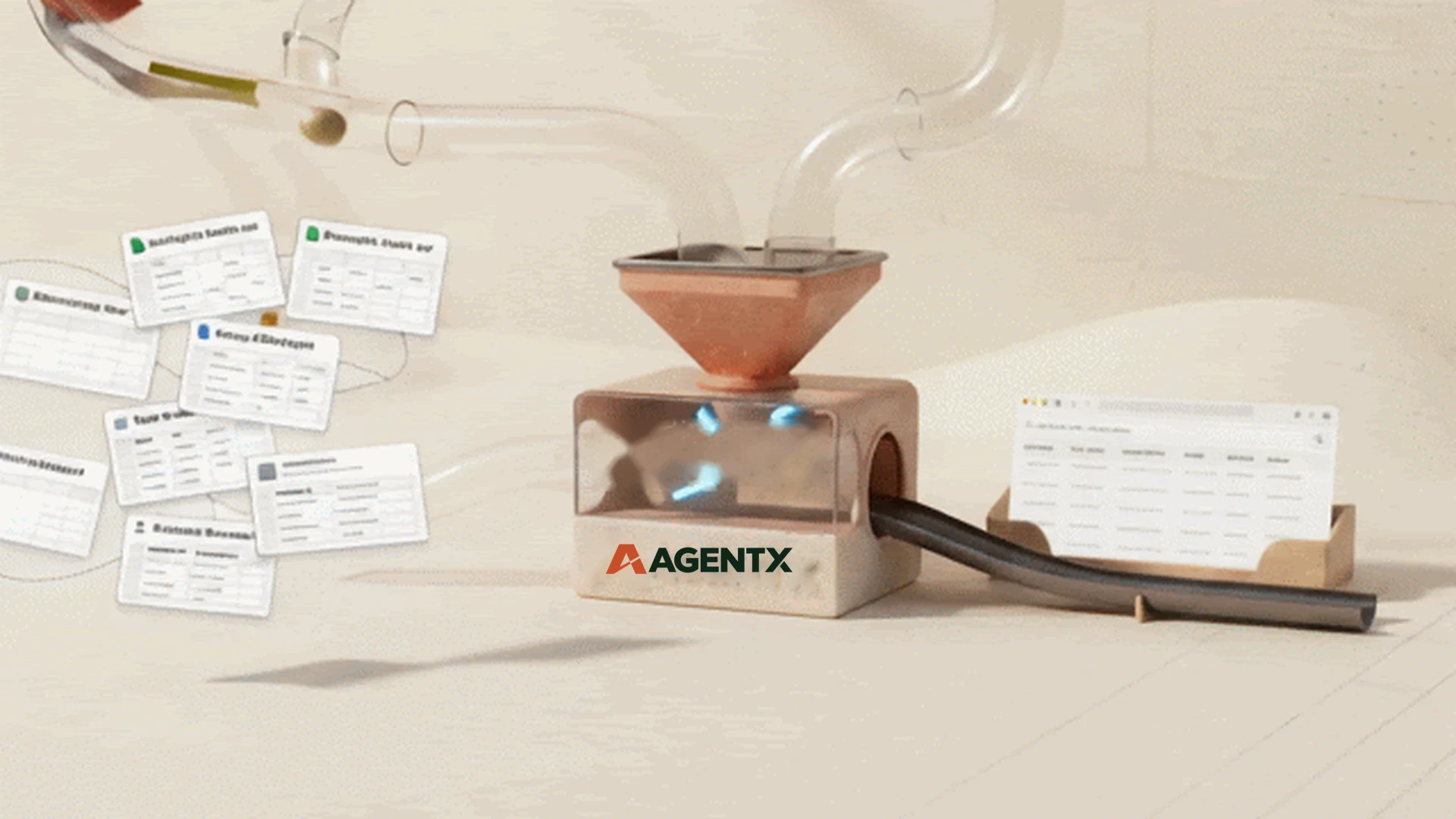
Built for brokers and for companies
For companies
Before
With AGENTX
One system, three ways to work
Sample dataTelegram assistant
Live board
Desktop app
| CL-101 | Enquiries.xlsx |
| CL-102 | Enquiries.xlsx |
| CL-103 | Viewings.csv |
| CL-104 | Viewings.csv |
| CL-105 | Follow-ups.xlsx |
| CL-106 | Follow-ups.xlsx |
24
38
6
Inside AGENTX
Explore the workflow with generic sample records.
AGENTXSample workflow
Scattered files
A.xlsx
Qty · 7B.csv
Units · 5Qty → QuantityUnits → Quantity
Source Quantity
A.xlsx 7
B.csv 5
Workflow
Scan sheets
Match headers
Combine records
Ask your data
File formats
Excel · CSV
From files to follow-up
For sales, operations and service teams working across years of spreadsheets.
One client, five spellings?
Review uncertain matches before joining records. Keep a link to each source sheet.
Which orders changed?
Ask in English or Arabic. Use reports and import history to see what changed.